
The quick answer: size the complete power plan
The right CPAP battery size depends on three things: your actual equipment load, the hours between reliable charges, and the reserve you need when conditions change. A watt-hour label helps compare stored energy; it does not specify how many nights every CPAP will run.
This is a three-step framework, not a claim that one battery covers three nights. Use it to narrow the options, then verify the exact machine, cable, settings and recharge route.
Scope: this guide covers CPAP/APAP power planning, not ventilator or life-support backup. If a brief interruption would be unsafe for you, arrange an appropriate system with your clinician and equipment provider. Do not change prescribed pressure to make a smaller battery last longer.
Your equipment record
Step 1: identify the machine and its real load

Start with the full model name, not simply ResMed, Philips or Luna. Photograph the original power-adapter label and record your normal therapy settings, humidifier level, heated-tube setting, mask and hours of use. Include naps if they are part of the required coverage.
- Machine + connection
- Full model, battery version, documented cable and power requirements.
- Normal-use settings
- Prescribed therapy, humidifier, heated tube and mask.
- Hours to cover
- Normal sleep, naps and the interval before reliable charging.
- Load evidence
- Measured energy or average watts, with the measurement point recorded.
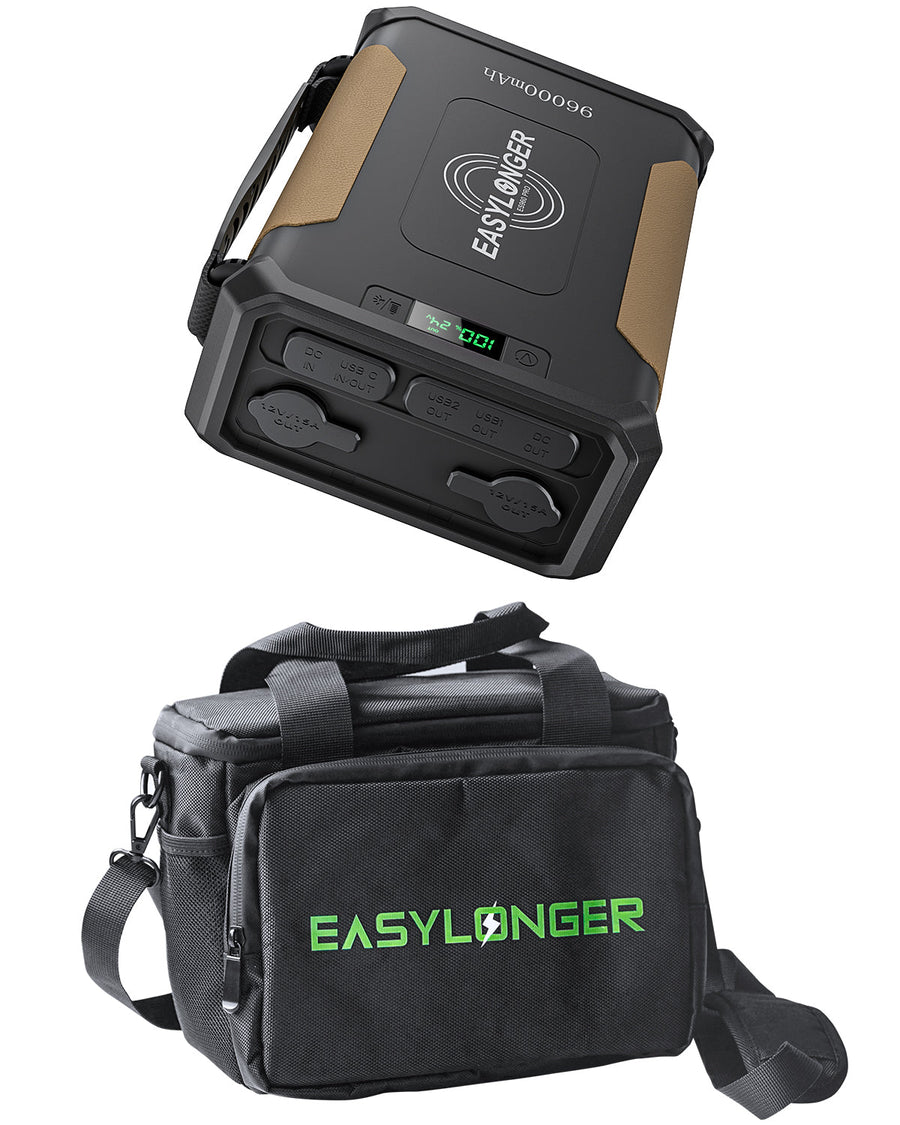
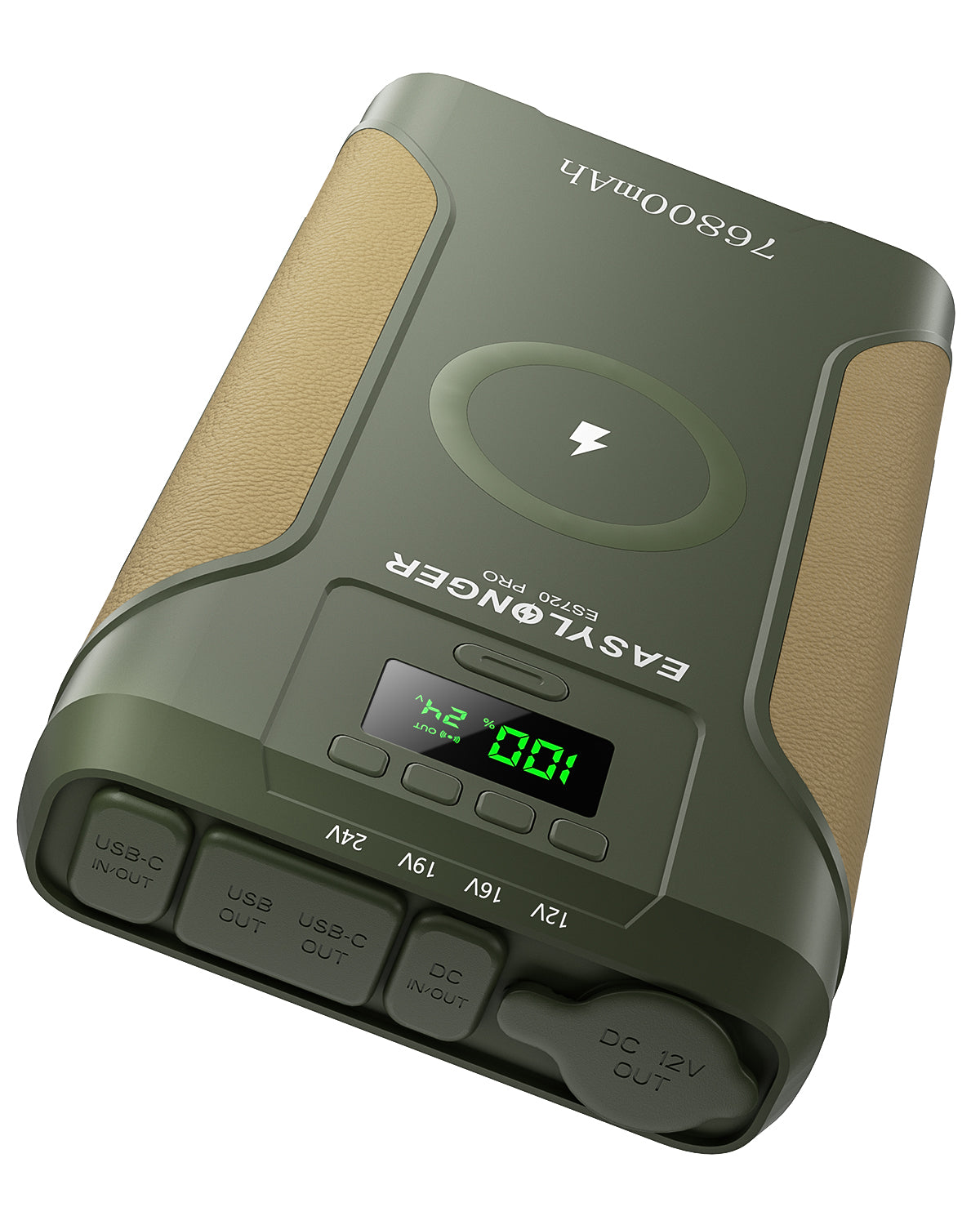
The connection must match the documented voltage, polarity, connector and current requirements. A plug that fits is not enough. The EASYLONGER products discussed here use DC/USB outputs; they do not have a household AC outlet for the CPAP wall adapter.
If you have reliable normal-use energy measurements, record where they were taken. A wall-side measurement includes the wall adapter's losses; it cannot automatically be substituted for a direct-DC measurement. An adapter's maximum wattage is also not the same as average overnight consumption. Ask the equipment provider how to evaluate your setup if this is unclear.
Heat and operating conditions change demand. Do not apply one fixed humidifier multiplier or one pressure-to-watts rule to every model. Keep any comfort settings you need in the budget. Ask the care team about comfort concerns rather than adding an unverified humidification accessory.
Your energy calculation
Step 2: translate your hours into stored capacity

First calculate energy at the load: average watts × hours = watt-hours. For example, an assumed 12W load over eight hours needs 96Wh. Three such nights need 288Wh at the load. These are arithmetic examples, not measured results for a named CPAP.
Planning illustration · not a measured runtime
Use an 82% usable-energy factor and retain 15% of that result as reserve.
Planning hoursRated Wh × 0.82 × 0.85
÷ assumed average watts
The factors are assumptions, not certified efficiency or guaranteed protection against every variation. Actual conversion losses, temperature, battery age and changing demand may require more reserve. The planning figure excludes the retained reserve; it is not a predicted shutdown time.
| Model | Rated capacity | Assumed 12W load | Assumed 30W load |
|---|---|---|---|
| ES270 | 99.9Wh | 5.8h | 2.3h |
| ES400 AIR | 148Wh | 8.6h | 3.4h |
| ES720 | 266.4Wh | 15.5h | 6.2h |
| ES720 PRO | 276.48Wh | 16.1h | 6.4h |
| ES960 / ES960 PRO | 297.6Wh | 17.3h | 6.9h |
Rounded hours must not become unconditional full-night promises. In this example, ES720 does not cover two eight-hour intervals. ES720 PRO is close to that boundary, so changing demand can change suitability. At the assumed 30W load, none of the listed planning figures reaches eight hours.
Worked example
Three eight-hour nights at an assumed 12W
12W × 24h = 288Wh at the load.
288 ÷ 0.82 ÷ 0.85, rounded upward:
414Wh rated capacityUnder these assumptions only
That could mean independently charged batteries used according to their manuals, verified recharging between nights, or another appropriately specified power system. Do not improvise connections between packs.
Real tests can be higher or lower than this table because their loads and conditions differ. A documented customer result is useful evidence for that setup; it does not need to match this illustrative model to be genuine. Compare the machine and conditions before applying someone else's night count to your own plan.
Your recharge record
Step 3: choose the interval between reliable charges

A hotel stay with dependable charging each day is different from three nights at an unpowered campsite. Write down the longest interval you must cover, including transport and delays, then choose a source that can actually replenish the battery before the next interval.
Complete the plan before choosing a size
- Cover the gapRecord the longest interval, including travel and delays.
- Verify the refillConfirm the location, permitted source, cable and available charging time.
- Name the fallbackKeep an alternative if charging is unavailable or solar contributes nothing.
- Wall charging: confirm the permitted charger, cable and enough available time; do not assume every USB supply is adequate.
- Vehicle charging: use the route documented for the exact battery and vehicle. A 12V socket is not permission to connect directly to an incompatible input.
- Solar charging: check the receiving input and measure realistic replenishment. Rated panel watts are not guaranteed daily watt-hours. Keep a no-sun alternative.
Charge phones and other equipment from a separate supply where practical. If they share the CPAP battery, subtract their energy from the same budget and respect total and per-port output limits. A percentage display helps track use; it does not make extra loads free.
Apply the travel and backup limits
For passenger flying, ES270 is 99.9Wh; ES400 AIR is 148Wh and requires the applicable airline-approval route. ES720 and ES960 families exceed 160Wh and are not an ordinary passenger carry-on or checked-baggage option under FAA limits. Carry permitted spare batteries in cabin baggage with short-circuit protection, check carrier restrictions, and ask separately about operating CPAP aboard. See FAA guidance.
For bedside use, pass-through is a model-specific feature, not proof of zero-interruption UPS performance. Follow the permitted input/output route. Charging power below device consumption can still leave the battery discharging; do not assume an attached charger means the reserve is increasing.
Verify before you rely on the result
- Read the exact battery manual and confirm the CPAP connection with the equipment provider or support.
- Inspect and fully charge the equipment. Use a stable, dry, ventilated surface clear of bedding.
- Start with a short, awake check while normal power is available. If airflow stops, follow the CPAP manual; do not remain wearing a non-running mask.
- After a successful short test and suitable fallback arrangements, verify a longer interval. Record start charge, settings, duration and end charge without deliberately running therapy to failure.
- Recheck after changing equipment or settings, and before a trip or storm. Plan an alternative before remaining energy becomes insufficient.
Use the runtime calculator to compare assumptions, then select by compatibility, verified hours and recharging. Official-site purchases include five-year coverage; authorized-platform purchases include three years, with eligible coverage extended to five through registration. Keep the receipt and exact model with your setup record.