



If you use a CPAP machine, you already track something most people don't — your own breathing. But the machine itself only tells part of the story. The right app can help you see patterns, troubleshoot therapy issues, and spot problems before they become serious.
Most sleep apnea patients only know the one app their CPAP manufacturer pushes — myAir or DreamMapper. There's nothing wrong with those, but they're far from the only useful tools out there. Some free apps do things the official ones don't. This guide covers seven sleep apnea apps worth a closer look in 2026, plus a few practical tips for getting the most out of whichever app you choose.
Why Use a Sleep Apnea App at All?
If your CPAP is working and you feel fine, you might wonder why bother with an app. Here's the honest answer: apps help you catch the small problems before they become big ones.
A good sleep apnea app can help you:
- See how your AHI (apnea-hypopnea index) trends over weeks and months
- Catch mask leak issues that are cutting your therapy quality
- Track how travel, alcohol, or sleep position affects your results
- Share data with your doctor without a separate office visit
- Monitor snoring even on nights you forget to use your CPAP
Some of the most useful apps don't even come from CPAP manufacturers. They're independent tools that work alongside your machine to fill in gaps.
ResMed myAir — The One Most People Already Have
If you use a ResMed AirSense 10 or AirSense 11, myAir is built for your machine. It's free, syncs automatically through the cellular modem, and gives you a nightly score out of 100 based on hours used, mask seal, and AHI.
What it does well: Easy to read, gamified scoring that keeps you motivated, and clear explanations when something goes wrong. New CPAP users especially benefit from the coaching tips it sends in your first 30 days.
Where it falls short: The data is simplified. You won't see detailed flow graphs or pressure breakdowns. For that, you need something deeper — which we'll cover next.
OSCAR — The Free Tool Your Sleep Doctor Uses
OSCAR (Open Source CPAP Analysis Reporter) is a free desktop program, not a phone app — but it deserves a mention because it's the most powerful CPAP analysis tool available. If myAir tells you "you had a good night," OSCAR tells you why.
You pull the SD card out of your CPAP, plug it into your computer, and OSCAR shows you every breath, every pressure change, every mask leak — in detailed graphs. Many sleep specialists recommend it to patients who want to understand their therapy in depth.
Best for: CPAP users who want full control of their data, people troubleshooting persistent issues, and anyone whose doctor asks for detailed reports. It's free and works on Windows, Mac, and Linux.

SnoreLab — Track Snoring Even Without Your CPAP
SnoreLab uses your phone's microphone to record and analyze snoring throughout the night. Why does this matter for CPAP users? Because it tells you what happens on nights you skip therapy — during travel, illness, or when your equipment fails.
You'll see how loud and frequent your snoring is, when it peaks, and whether position changes (on your back vs. side) make it worse. For CPAP users whose therapy stopped for any reason, SnoreLab confirms whether the apnea is still there — and it almost always is.
Best for: Understanding untreated nights, partners who want their own data, and anyone curious about their sleep patterns. Free version is usable; premium unlocks long-term tracking.
DreamMapper — For Philips DreamStation Users
Philips DreamMapper is the official app for DreamStation users. Like myAir, it offers nightly reports, usage tracking, and mask-fit scoring. It also includes educational content about sleep apnea that's genuinely helpful for newly-diagnosed users.
What it does well: Clean interface, automatic sync via Bluetooth, and reminders if you miss a night. The educational content is more substantial than most official apps.
Sleepio — The Insomnia Companion for CPAP Users
Many CPAP users also have insomnia — the two conditions often appear together. Sleepio is a clinically validated app using cognitive behavioral therapy for insomnia (CBT-I), the gold-standard non-medication treatment.
If you're using your CPAP faithfully but still wake up tired, or have trouble falling asleep in the first place, Sleepio's structured program can help. It's not free, but some insurance plans and employers cover it. Worth asking your doctor about.
Sleep Cycle — Simple Tracking That Pairs Well With CPAP
Sleep Cycle uses your phone's microphone and motion sensors to track sleep stages, snoring, and time in bed. It's not a medical tool, but it pairs nicely with CPAP therapy data — you can correlate nights with good AHI scores against how rested you actually felt.
The smart alarm feature wakes you during light sleep within a set window, which many users find gentler than a standard alarm. Free version works; premium adds snore analysis.

CPAP Tracker — A Simple Alternative to OSCAR
CPAP Tracker is a lightweight mobile app that lets you manually log your daily AHI, hours used, and any issues you noticed. It's not as powerful as OSCAR, but it works on your phone and takes 30 seconds a day.
It's especially useful if your CPAP doesn't sync to an app automatically — older ResMed S9 users, for instance, can use this to track patterns without needing a computer. Simple, free, no frills.
Quick Comparison: Which App Is Right for You?
Pro tip: You don't need to use all of these. Most CPAP users do well with their manufacturer's app (myAir or DreamMapper) plus one extra — OSCAR for deep analysis, or SnoreLab for nights you're not on CPAP.
What No App Can Fix: Power Loss
Here's something worth thinking about. All these apps track what your CPAP does while it's running. But none of them help when your therapy stops — during a power outage, while camping, or on a flight where outlets aren't working.
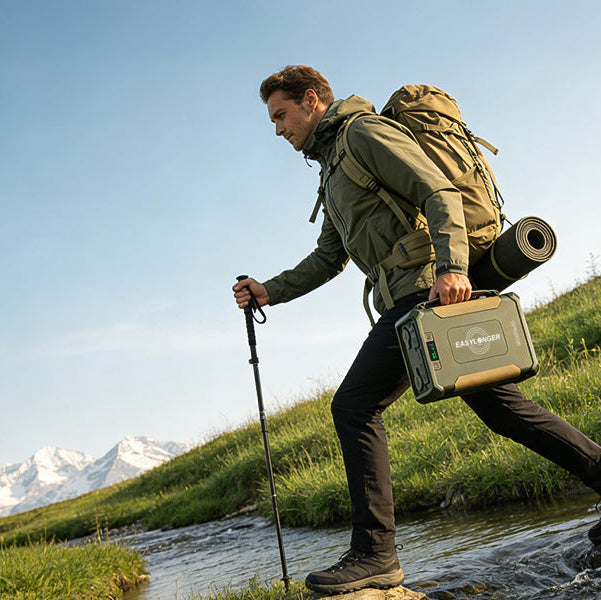
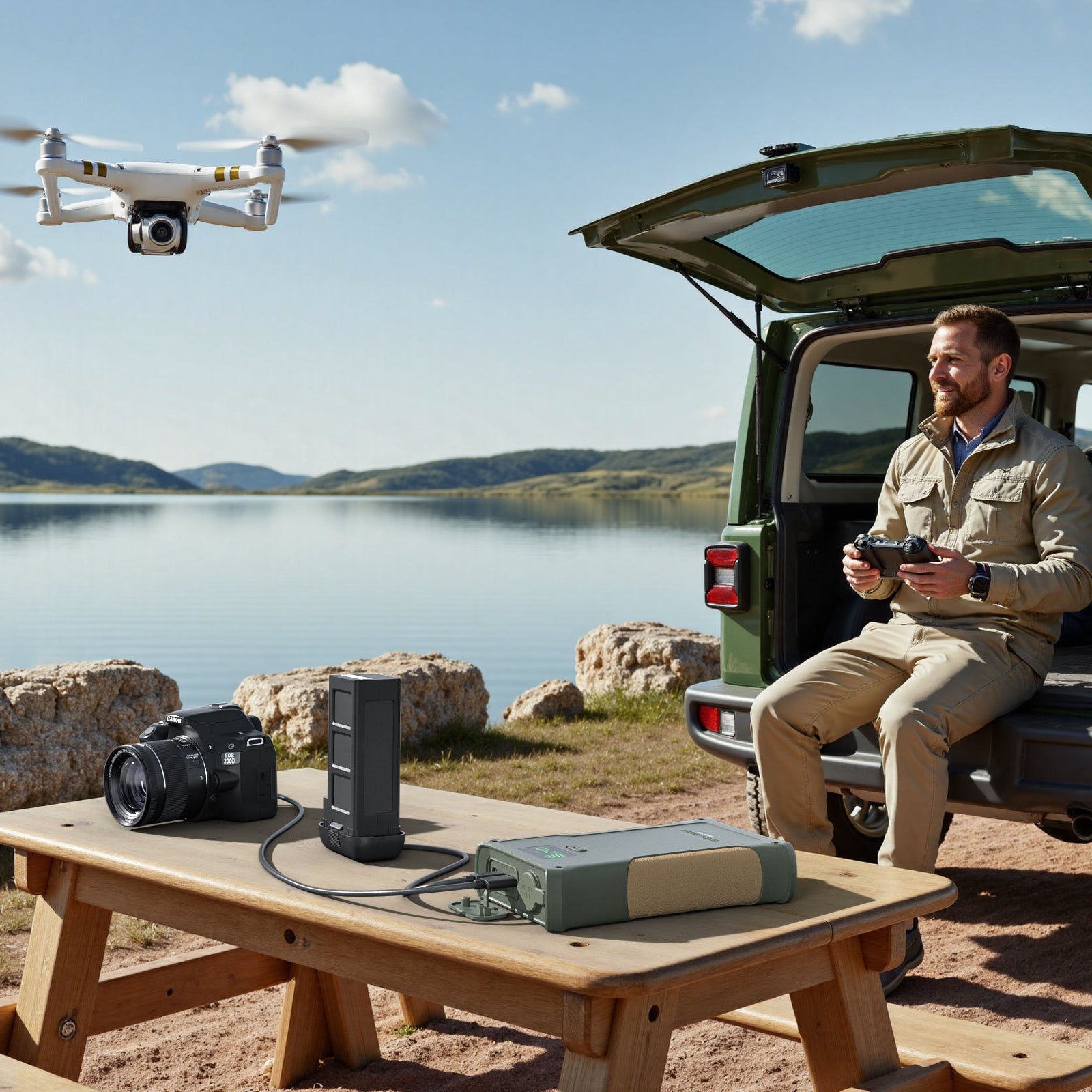
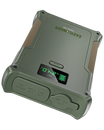
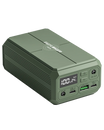
If an app flags a night of missed therapy, the usual cause is a power problem. A CPAP battery backup solves this quietly. Pass-through mode keeps your machine plugged into the battery while the battery stays plugged into the wall — so the moment power drops, your therapy continues without interruption. You never wake up.
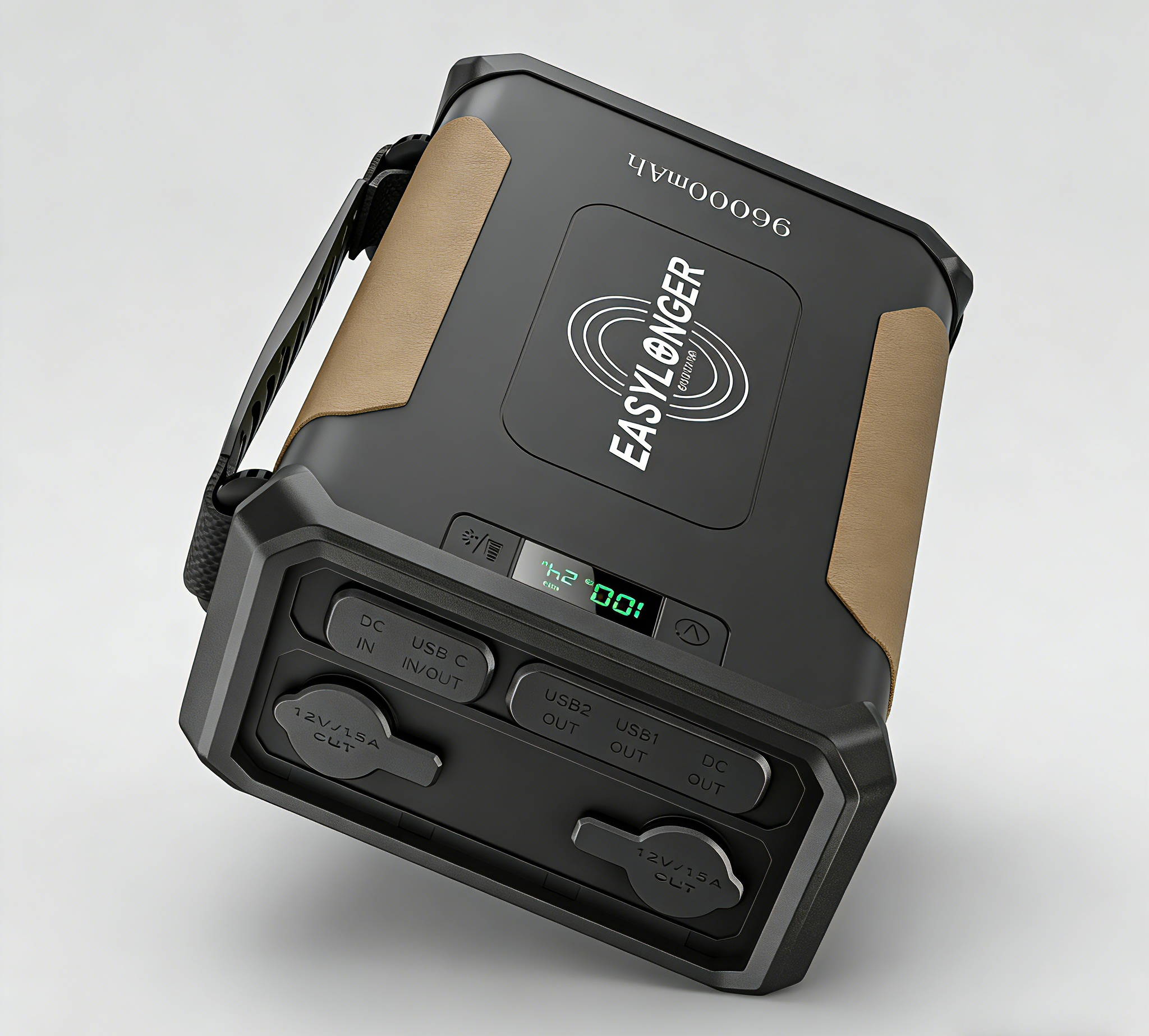
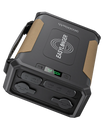
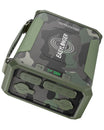
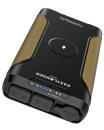
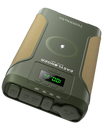
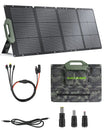
For most CPAP users, the ES720 PRO (276Wh) covers home UPS use and weekend camping. If you want the longest lifespan and can't afford a missed night, the ES960 PRO uses LiFePO4 chemistry for 2,000+ charge cycles — nightly use for nearly a decade. Both support pass-through charging, so they run silently in the background until you actually need them.
Frequently Asked Questions
Do I need a sleep apnea app if my CPAP is working fine?
Not strictly, but an app helps you catch small problems early. Mask leaks, rising AHI, or dropping usage often show up in app data before you notice them yourself. At minimum, use your manufacturer's free app (myAir for ResMed, DreamMapper for Philips) to track trends.
What's the difference between myAir and OSCAR?
myAir gives you a simple nightly score and basic stats, designed for patients. OSCAR reads the raw data from your SD card and shows you every breath, every pressure change, and every event in detail — the same level of data sleep specialists work with. Use myAir for daily tracking and OSCAR when you need to troubleshoot.
Can any app detect sleep apnea on its own?
No app can replace a formal sleep study. Some apps (SnoreLab, Sleep Cycle) can flag patterns that suggest you should see a doctor, but diagnosing sleep apnea requires medical-grade equipment — either an in-lab polysomnography or a home sleep test prescribed by a physician.
My CPAP app says my AHI is normal but I still feel tired. What's wrong?
A normal AHI (under 5) doesn't guarantee you're getting restful sleep. Common causes of daytime fatigue despite good CPAP use include insomnia, poor sleep hygiene, untreated depression, or your pressure settings needing adjustment. Bring your app data to your next doctor appointment — detailed reports from OSCAR are especially helpful for these conversations.
Will these apps track my CPAP if I'm traveling?
Yes, as long as your machine has power. myAir syncs over cellular (works anywhere with signal), and DreamMapper uses Bluetooth. For international travel or camping off-grid, your bigger concern should be keeping your CPAP running — a battery backup like the ES270 (TSA-approved at 99.9Wh) covers flights, and the ES720 PRO handles multi-night camping.
Take your therapy further
Track Your Therapy. Protect Your Sleep.
Apps help you understand your therapy. A battery backup makes sure it never stops. See which EASYLONGER model fits your machine and lifestyle.
Questions? Email support@easylonger.com — Brooks will personally help you find the right fit.

Leave a comment
All comments are moderated before being published.
This site is protected by hCaptcha and the hCaptcha Privacy Policy and Terms of Service apply.