
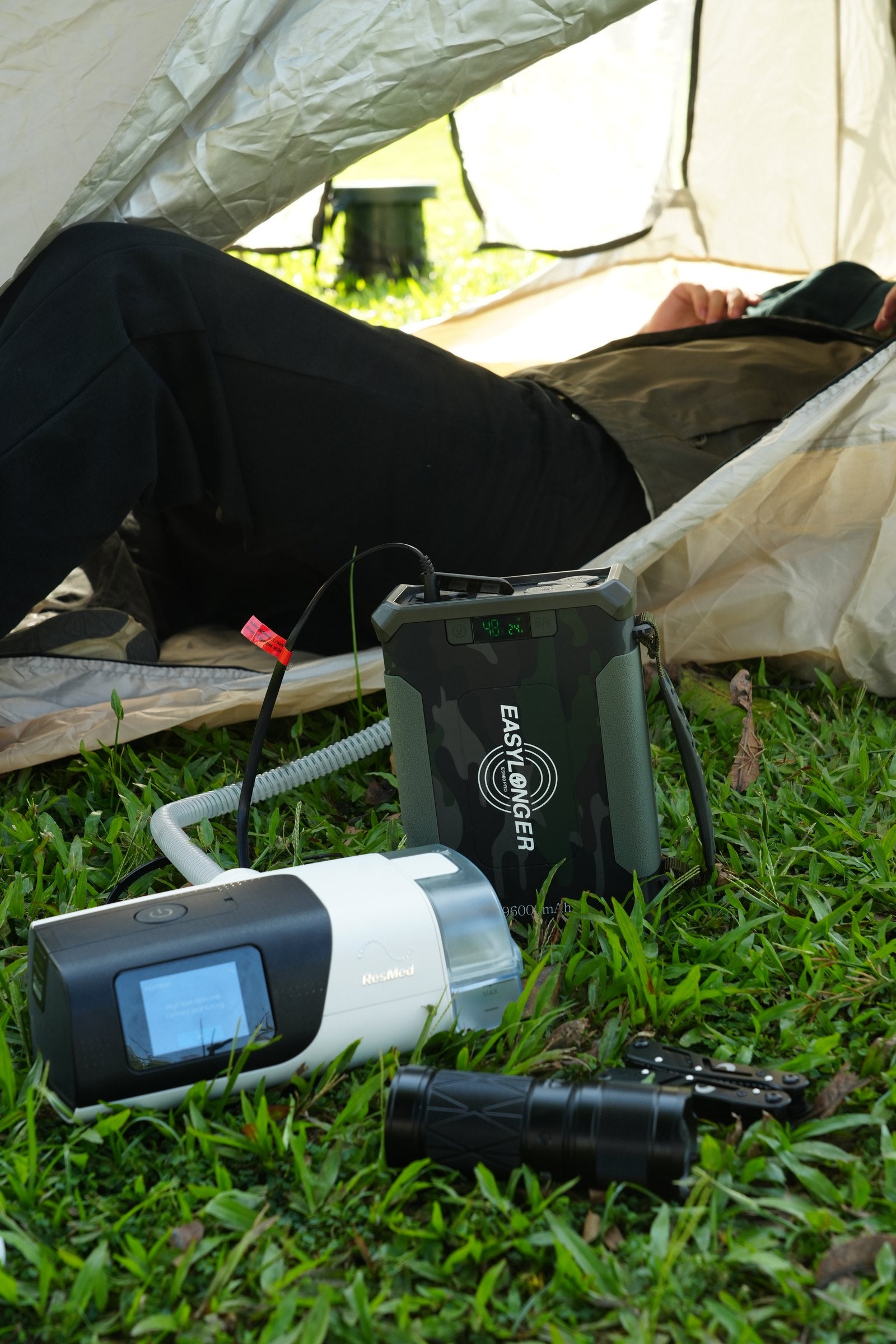
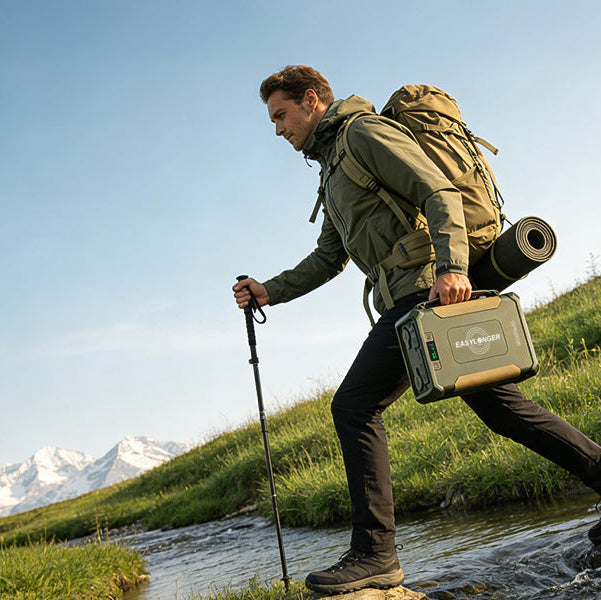
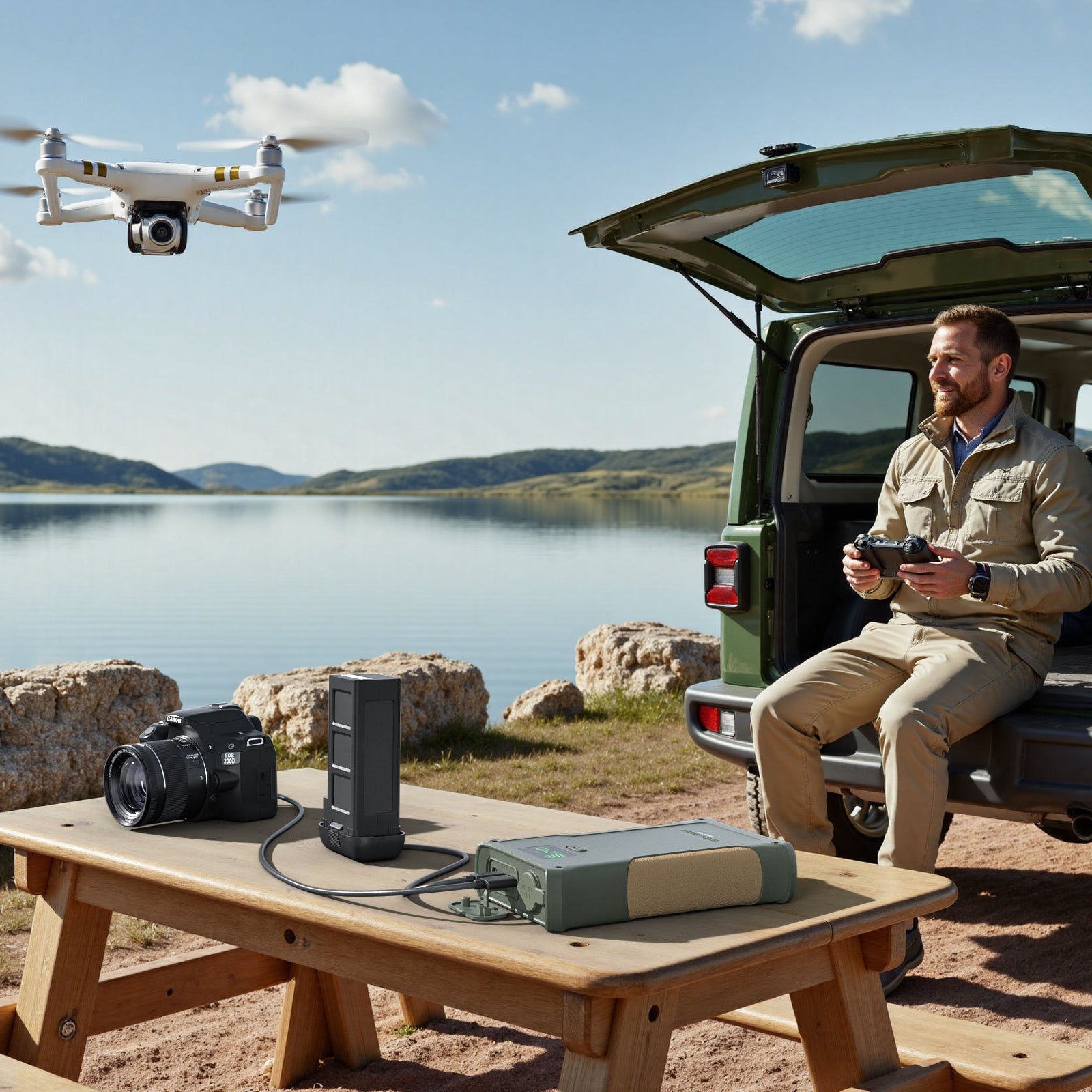


Memorial Day weekend 2026 is around the corner — and according to KOA's annual outlook, more than 22 million American households will spend it camping or RVing. If you're one of them, and you use a CPAP machine, the long weekend brings a question most people don't think about until it's too late: where will your therapy power come from?
RV electrical systems aren't designed with CPAP users in mind. Campground hookups can fail. Boondocking strips you of shore power entirely. And the difference between a great long weekend and three groggy mornings of headaches and fatigue often comes down to one decision you make before you leave the driveway.
This is the complete Memorial Day RV trip checklist for CPAP users — what to pack, how to plan your power, and what to do if something goes wrong.
Why CPAP Power Planning Matters More in an RV Than at Home
At home, you have a stable wall outlet. The grid is reliable, your CPAP runs on it every night without you thinking about it. In an RV, three things change:
- Power source uncertainty. Even at a "full hookup" campsite, the 30A or 50A pedestal can have wiring issues, blown breakers, or low voltage that shuts your CPAP down mid-night.
- Battery limits. If you're running off the RV's house batteries (boondocking, dry camping, or pre-arrival overnight), your CPAP shares power with the fridge, lights, water pump, and everything else.
- Weather exposure. Memorial Day weekend brings thunderstorms across much of the country. Campground power can go out for hours, especially in older parks.
None of this is theoretical. Every Memorial Day we get the same emails: "The power pedestal didn't work — what do I do?" "I camped a night without my CPAP and felt terrible all day." "Can I run my CPAP off the cigarette lighter?" The right preparation makes all of these problems solvable in advance.
The 3 Power Scenarios You'll Encounter
Scenario 1: Full Hookup Site (Easy Mode)
You're parked at a campground with a 30A or 50A pedestal that works. Your CPAP plugs into a normal AC outlet inside the RV, just like at home. The only thing to worry about: the pedestal could fail or the campground could lose power overnight.
What you need: Your standard CPAP setup, plus a battery backup with pass-through charging so you stay protected from outages.
Scenario 2: Partial Hookup or Boondocking (Battery Mode)
No shore power, or you're saving your RV battery for the fridge and water pump. Your CPAP needs to run off its own dedicated battery.
What you need: A battery with enough capacity for every night of your trip, the right DC cable for your CPAP, and a plan to recharge during the day (RV alternator, solar, or shore power when you stop).
Scenario 3: In-Transit Overnight (Truck Stop / Driveway)
You're driving long distance and stopping overnight at a truck stop, rest area, or someone's driveway. No hookups. Your RV's house batteries are powering the basics.
What you need: A standalone CPAP battery is the safest bet. RV house batteries weren't designed for 8 hours of CPAP draw on top of everything else they already power.
Important: Never run your CPAP directly off your RV's chassis battery (the engine starting battery) without a smart isolation system. Drain that battery and you won't start the RV in the morning.
The 72-Hour Pre-Trip Checklist
Don't leave this for the night before. Power problems found 72 hours out are solvable. Power problems found 30 minutes before departure are not.
3 Days Before Departure
- Fully charge your CPAP battery. A battery that's been sitting at 40% since your last trip won't be at 100% when you need it — lithium batteries self-discharge slowly. Plug it in now.
- Test the full setup at home. Connect battery to CPAP using the DC cable you'll bring. Run it for a full night. Confirm it lasts as expected.
- Check your CPAP filter. Camping environments mean more dust, pollen, and smoke. A clean filter at the start of the trip means you won't be hunting for replacements at a campground store.
- Find your prescription. Some campgrounds and crossings (especially crossing into Canada from Memorial Day road trips north) ask for documentation. A photo on your phone is enough.
1 Day Before Departure
- Recharge the battery to 100%. Even if you tested it 2 days ago, top it off.
- Pack the DC cable, not just the AC adapter. Running CPAP off battery through AC wastes 25-30% of capacity in conversion losses.
- Pack distilled water. If you use your humidifier, bring enough for the trip plus a buffer. Campground stores often don't carry it.
- Pack a heat-moisture exchanger (HME) as a humidifier alternative. These small disposable filters add humidity using your own breath, no power needed. Great backup for when battery is low.
- Bring a backup mask. A torn cushion or broken headgear strap is impossible to fix at most campgrounds.
Morning of Departure
- Final battery check. Confirm 100% charge before unplugging.
- Pack the CPAP last and on top. You want it easily accessible at the destination — not buried under camp chairs and coolers.
- Take a photo of your CPAP setup. Helps if you forget how a cable connects after a long day on the road.
How Many Battery Nights Do You Actually Need?
Memorial Day weekend is typically Friday evening through Monday morning — three nights. But how much battery you need depends on three things: your CPAP machine, whether you use the humidifier, and your recharging options.
Realistic Runtime Formula
Hours = (Battery Wh × 0.75) ÷ CPAP Wattage
0.75 accounts for real-world efficiency losses
Typical CPAP power draws:
- ResMed AirSense 11: 13W without humidifier, 51W with
- ResMed AirSense 10: 15W without humidifier, 55W with
- ResMed AirMini: 7W (no integrated humidifier)
- Philips DreamStation: 14W without humidifier, 56W with
- BMC Luna G3: 13W without humidifier, 49W with
For a 3-night Memorial Day trip with an AirSense 11 (humidifier off, 13W), you need roughly 8 hours × 3 nights × 13W ÷ 0.75 = 416Wh of total battery capacity.
That's more than any single TSA-approved travel battery, which is why most RV campers pair their CPAP with one of our larger models that supports recharging from solar, vehicle, or shore power during the day.
Recommended Setup by Trip Type
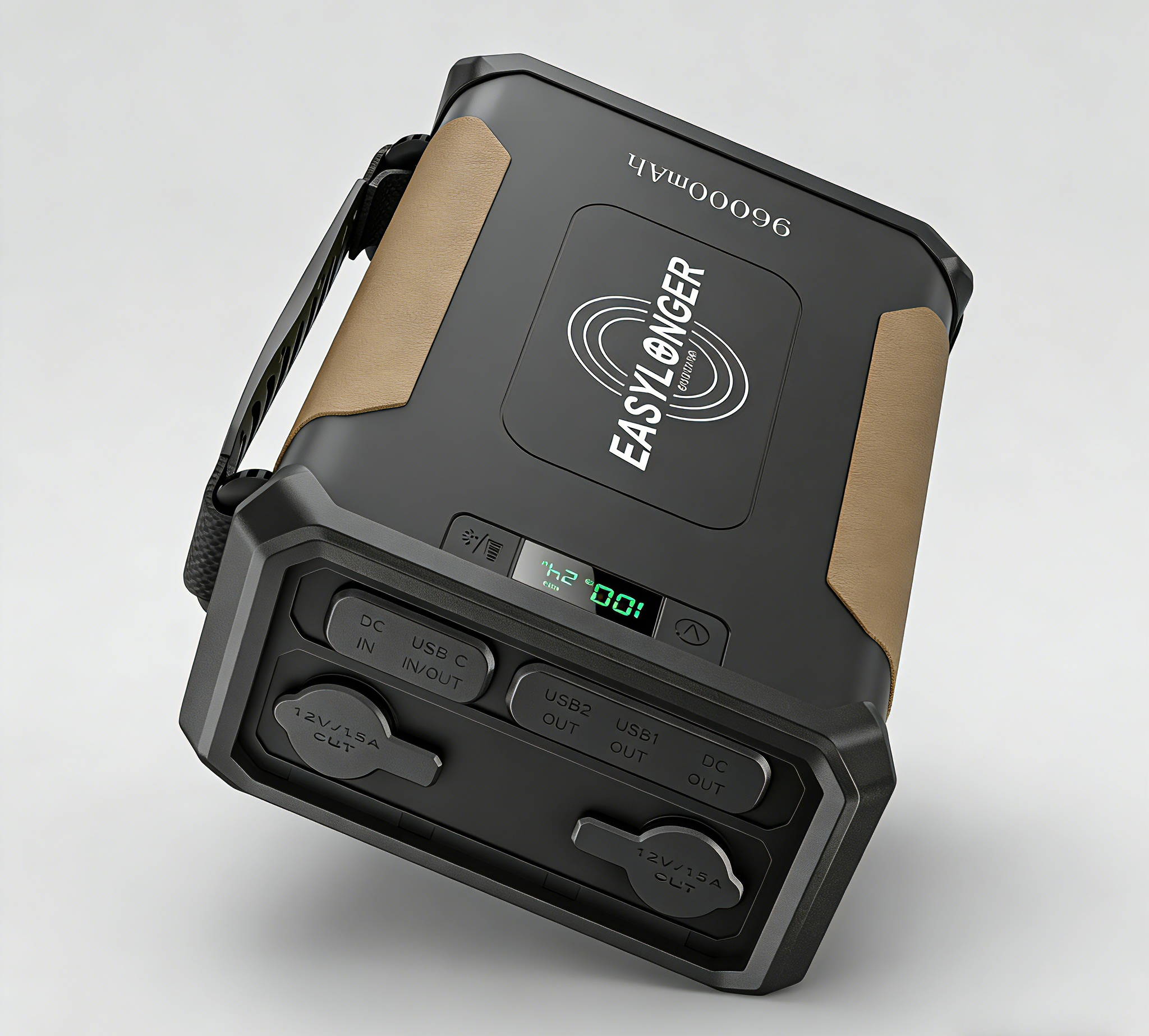
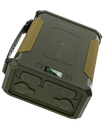
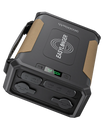
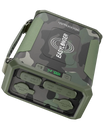
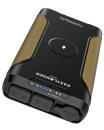
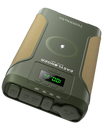
2-3 nights of CPAP without humidifier. Precise digital battery display so you know exactly where you stand. Pass-through charging means you can recharge from shore power or solar during the day while still running your CPAP at night.
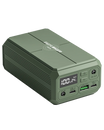
Shop the ES720 PRO →LiFePO4 chemistry handles the temperature swings of Memorial Day camping (cool nights, hot afternoons) far better than standard lithium-ion. 2,000+ charge cycles, so this battery lasts through nearly a decade of trips.
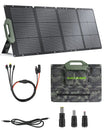
Shop the ES960 PRO →Pair either battery with our 110W foldable solar panel for essentially unlimited recharging. Set it up at camp during the day, your battery is full again by dusk. The right setup for week-long trips or anyone going truly remote.
Shop the ESP110 →The 5 Most Common Memorial Day CPAP Problems (and Quick Fixes)
Problem 1: The campground pedestal is dead
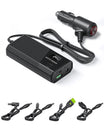
Quick fix: Plug your CPAP battery into your RV's 12V cigarette lighter outlet through a DC charging cable to recharge it overnight while you sleep. Most batteries can charge to about 60-70% from a 12V outlet in 4-6 hours, enough for the next night.
Problem 2: Your humidifier is eating battery
Quick fix: Turn it off. Use the HME filter you packed. Humidifiers draw 3-4x more power than the CPAP itself. Most campers sleep fine without humidification for a weekend.
Problem 3: It got cold overnight and the battery died early
Quick fix: Bring the battery inside the RV or sleeping bag overnight. Lithium batteries lose 15-25% of their capacity below 40°F. Memorial Day weekend in higher elevations can easily drop to 30s overnight.
Problem 4: You forgot the DC cable
Quick fix: Running CPAP through the battery's AC outlet works but wastes 25-30% of capacity. If this happens to you, definitely turn the humidifier off and consider one shorter night to preserve power.
Problem 5: A thunderstorm knocked out power
Quick fix: If your battery has pass-through charging, your CPAP doesn't even notice — it switches seamlessly from wall power to battery. If not, manually unplug from wall and plug into battery. Total interruption: about 30 seconds.
Stay consistent: Don't skip even one night of CPAP just because the situation is inconvenient. Three nights of skipped therapy can take a week to recover from — and you've already used your vacation days. Bring a backup plan, and use it.
What About Driving With Your CPAP Battery?
If you're driving an RV cross-country for Memorial Day weekend, your CPAP battery can charge during the drive. Most of our batteries support charging from a 12V vehicle outlet using the included DC cable. A full recharge from 0 to 100% takes about 6-8 hours in the car, which is roughly a typical day of driving.
One word of caution: lithium batteries don't like extreme heat. Don't leave the battery in a hot car or RV cabin all day in 90°F+ weather. Either keep the AC running, store the battery in a cooler with ice (not touching), or bring it inside whenever you stop.
Frequently Asked Questions
Can I run my CPAP off the RV's house batteries?
Yes, but it's risky on extended trips. RV house batteries weren't designed for 8-9 hours of CPAP draw on top of running the fridge, lights, and water pump. You can wake up to dead batteries and no morning coffee. A dedicated CPAP battery isolates your therapy from the rest of the RV's demands and lasts much longer overall.
Does a CPAP machine count as medical equipment for camping insurance or trip protection?
Most travel and RV insurance policies treat CPAP as medical equipment, but specifics vary. Save your prescription and a photo of your machine's serial number before you leave, in case you need to file a claim for a lost or damaged unit.
Can I use my CPAP battery to charge my phone or other devices?
Yes, most EASYLONGER batteries include USB outputs alongside the DC outputs. Just remember that every device you charge from the battery reduces what's available for your CPAP. Save the battery primarily for your therapy and use the RV's 12V outlets or a separate power bank for phones.
What if there's a fire ban and I can't recharge from a generator?
Memorial Day weekend often falls during fire-ban season in the West and Southwest. If generators are banned, solar charging is your best alternative. Our ESP110 110W foldable solar panel can fully recharge an ES720 PRO in about 4-5 hours of direct sunlight. Plan your campsite orientation so you have good morning sun.
How early should I start charging my battery before the trip?
Start 3 days before departure. Top off the day before. This catches any unexpected problems (faulty charger, slow charging due to cold storage, battery degradation) while you still have time to fix them. The night before your trip is the worst time to discover your battery isn't holding a full charge.
Is it safe to leave my CPAP battery running unattended overnight?
Yes. EASYLONGER batteries include built-in safety features that automatically shut off if the battery overheats, detects abnormal current draw, or hits low-voltage cutoff. You can sleep without worry — the battery is designed for exactly this use case.
Camp without compromise
Get Memorial Day Ready
Order by May 18 for guaranteed delivery before Memorial Day weekend. Use code ES-WELCOME10 for 10% off your first order.



Leave a comment
All comments are moderated before being published.
This site is protected by hCaptcha and the hCaptcha Privacy Policy and Terms of Service apply.