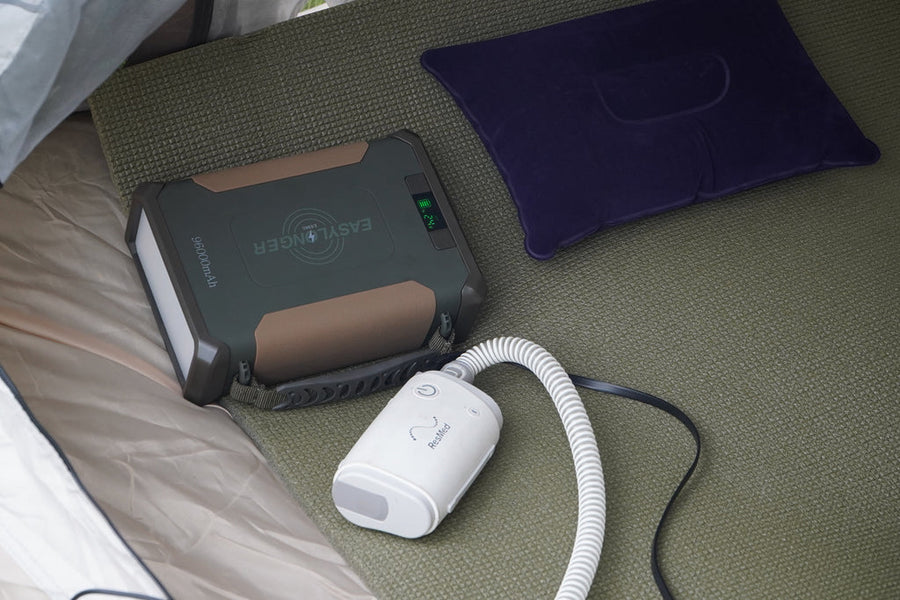
Why Your CPAP Battery Dies Too Fast — And How to Fix It
Find why a CPAP battery stops early by checking heat settings, cable compatibility, charging and extra loads. Record the setup and retest with a reserve.
By EASYLONGER · Feb 3, 2026 ·
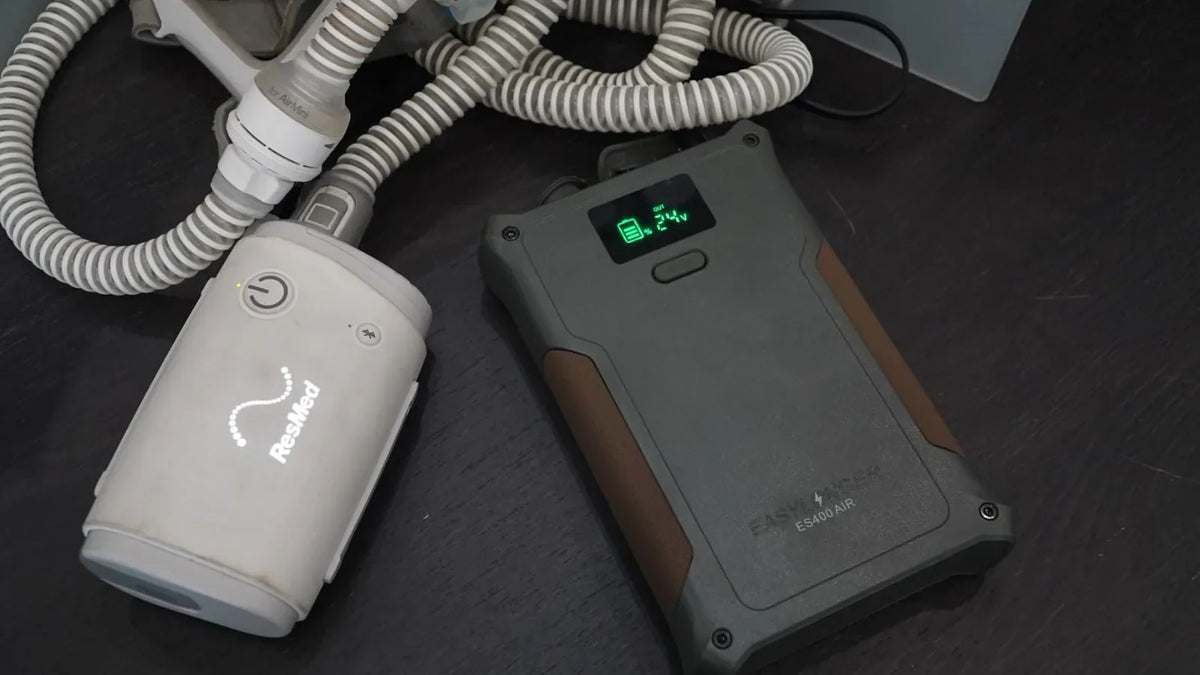
Quick answer: Compare the setup you actually used with the conditions behind the runtime estimate. Heat, leaks, an incompatible connection, incomplete charging or extra devices can all reduce the usable CPAP time. Keep your prescribed pressure settings unchanged.
If a battery stops before morning, first distinguish a depleted battery from a connection or output problem. A battery that still shows charge but will not run the CPAP needs different checks from one that has genuinely reached its usable limit.
1. Record what happened before changing anything
Write down the battery model, exact CPAP model, cable, selected voltage, starting charge, hours used and remaining charge. Add humidifier and heated-tube settings, whether other devices were connected, and any error or restart shown on the CPAP. A photo of the labels and display helps support compare like with like.
2. Check the complete power path
Read the Output label on the original CPAP adapter and confirm the documented battery cable and setting. Connector shape alone does not establish compatibility. Disconnect the CPAP before correcting an output setting, reconnect firmly, and use the compatibility guide or support when the combination is unclear.
If the battery still has charge when the CPAP stops, check the model instructions for output limits and indicator behavior. Do not keep retrying a hot, swollen, wet or visibly damaged battery; stop using it and contact support.
3. Compare heat and mask conditions
Heated humidification and tubing can use a substantial part of the available energy. Cold or dry conditions and mask leaks can change overnight demand. Plan capacity around the settings you normally need. If lower comfort heat is suitable for you, compare it in a separate home test; keep prescribed therapy pressure unchanged and ask your equipment provider about persistent leaks.
4. Separate charging and extra loads
Confirm that the battery reached the full-charge indication specified in its manual. Use the recommended charger and cable; a weak USB charger or limited solar input may not restore the energy you expected. Charge phones, lights and other equipment separately during the first CPAP-only test so their consumption is not confused with the machine’s demand.
5. Use estimates as a starting point
Stored watt-hours divided by the measured average load gives a rough planning figure, but usable capacity, conversion losses and overnight demand vary. An AC route adds an inverter stage; a documented direct-DC route may save energy. Compare the complete connections rather than applying one percentage saving to every battery.
The runtime calculator can help compare assumptions. A published result is most useful when its machine, pressure, heat settings, cable and test duration are stated alongside it.
6. Retest with a reserve
Test while you can readily restore a suitable power source. Once the connection operates normally, measure the runtime appropriate to your situation using the same settings intended for an outage or trip. Record the result and keep a reserve rather than planning to empty the battery. If a temporary interruption creates a medical risk, ask your care team to help plan the test and backup arrangements.
When to contact EASYLONGER
If runtime has suddenly dropped, the battery fails to charge normally or the CPAP repeatedly stops while charge remains, send the model labels, cable photos, charge indicators, hours used and CPAP error details to support@easylonger.com. Those details let us check the specific setup before recommending a different battery.
For the exact charging, storage and troubleshooting steps, open the model’s current instructions in the support center.
Run the numbers for your CPAP.
Pick your machine and settings. The calculator shows nights for every battery.